Password managers for Nextcloud
Recently some of our users pointed us to password manager Enpass, which recently added Nextcloud support to their choice of cloud hosting solutions. As some of our users are probably aware, for the popular Keepass password manager there is an integration app named Keeweb and Nextcloud also features two native password managers: Passwords and Passman. The tweet provided a trigger – so here’s a quick overview of what is available right now for Nextcloud. If things are missing, let me know in the comments and I’ll update the blog!
Also note that if YOU want to write a blog like this about another subject, say, different mail clients, note taking options, music players, you name it – we’d be very happy to post it here!
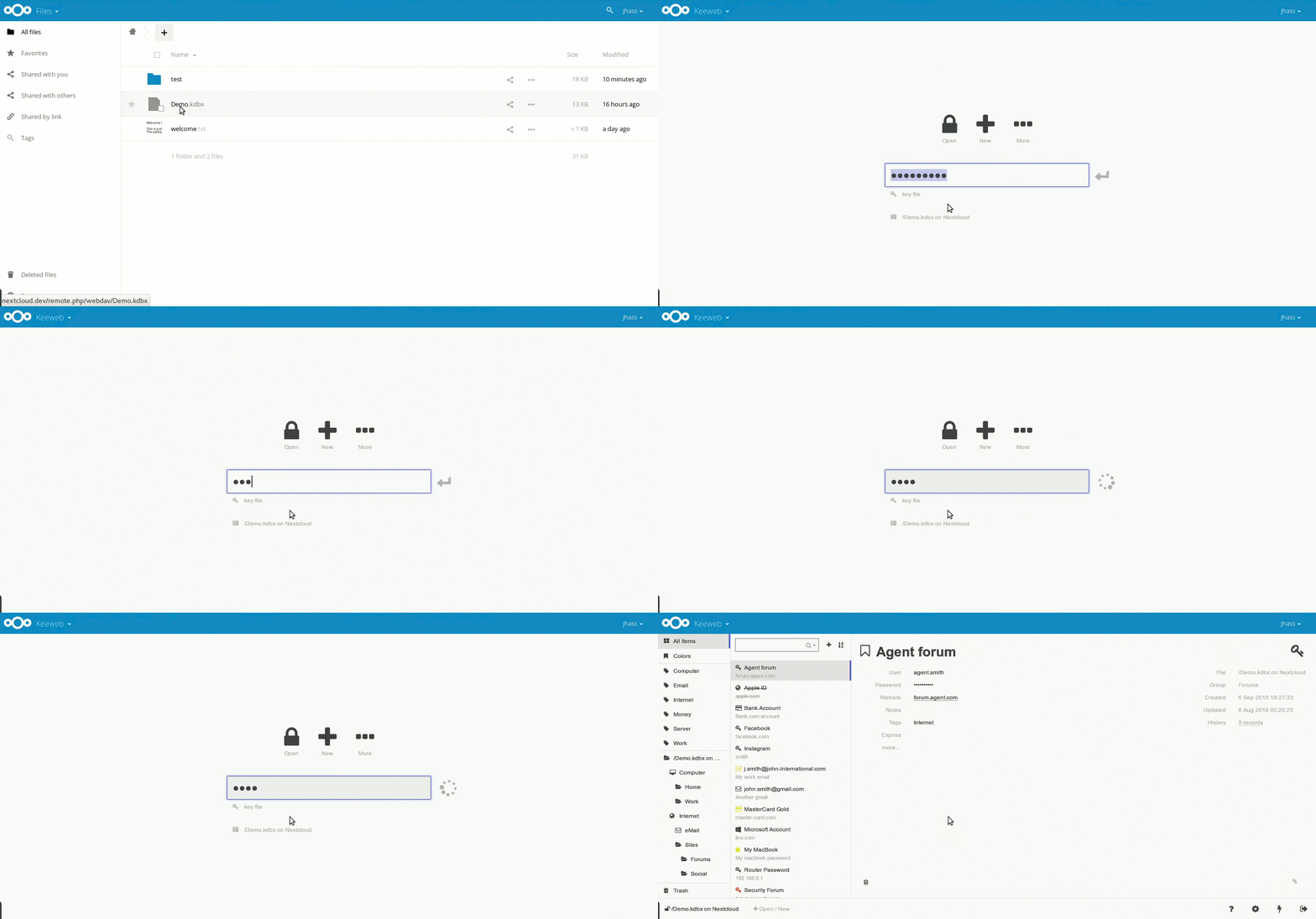
Keepass is an open source password safe with a long feature list:
There is a large number of extensions available, as well as a series of apps for Android, iOS, Windows, Linux, Mac and so on. A variety of browser plugins is available as well. The chrome integration seems to be read-only, while for Firefox passwords can be generated as well. Keepass is a bit cumbersome to use, but has a wide range of features and integrations available.
Enpass is an offline password manager where users can keep and sync their data using their trusted cloud accounts which they feel are more secure and safe (with 2FA enabled on them). It offers all the key features as compared to other password managers available in market. The desktop version (windows, mac and Linux) is very easy to use. It is free though it requires registration to be unlocked. The iOS and Android apps also have a great user interface but cost money beyond 25 managed passwords.
Enpass can store its passwords on various clouds, like iCloud, Google Drive, OneDrive, Dropbox, Box and any WebDAV based one. And, of course, Nextcloud!
A quick feature list:
Enpass is easy to use and the ability to fill in forms, store documents and generate OTP codes make it kind of a one-for-all tool.
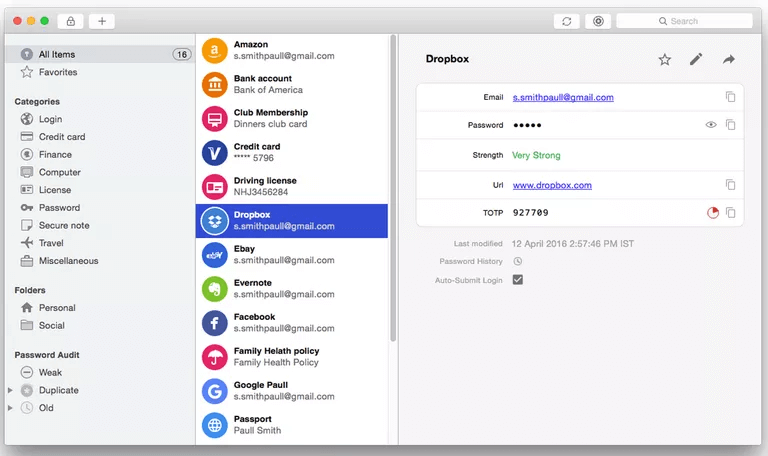
The screenshot comes from a review on Lifewire!
Passman is the oldest Nextcloud password manager. It is quite featurefull and has had contributions from 26 people, though lately things seem to be quiet on github. Still, it works with Nextcloud 18, the last release was just in October and the ability to share passwords is very cool! Sadly, there is no iOS app at the moment, a discontinued project exists if somebody wants to pick this up.
The app has:
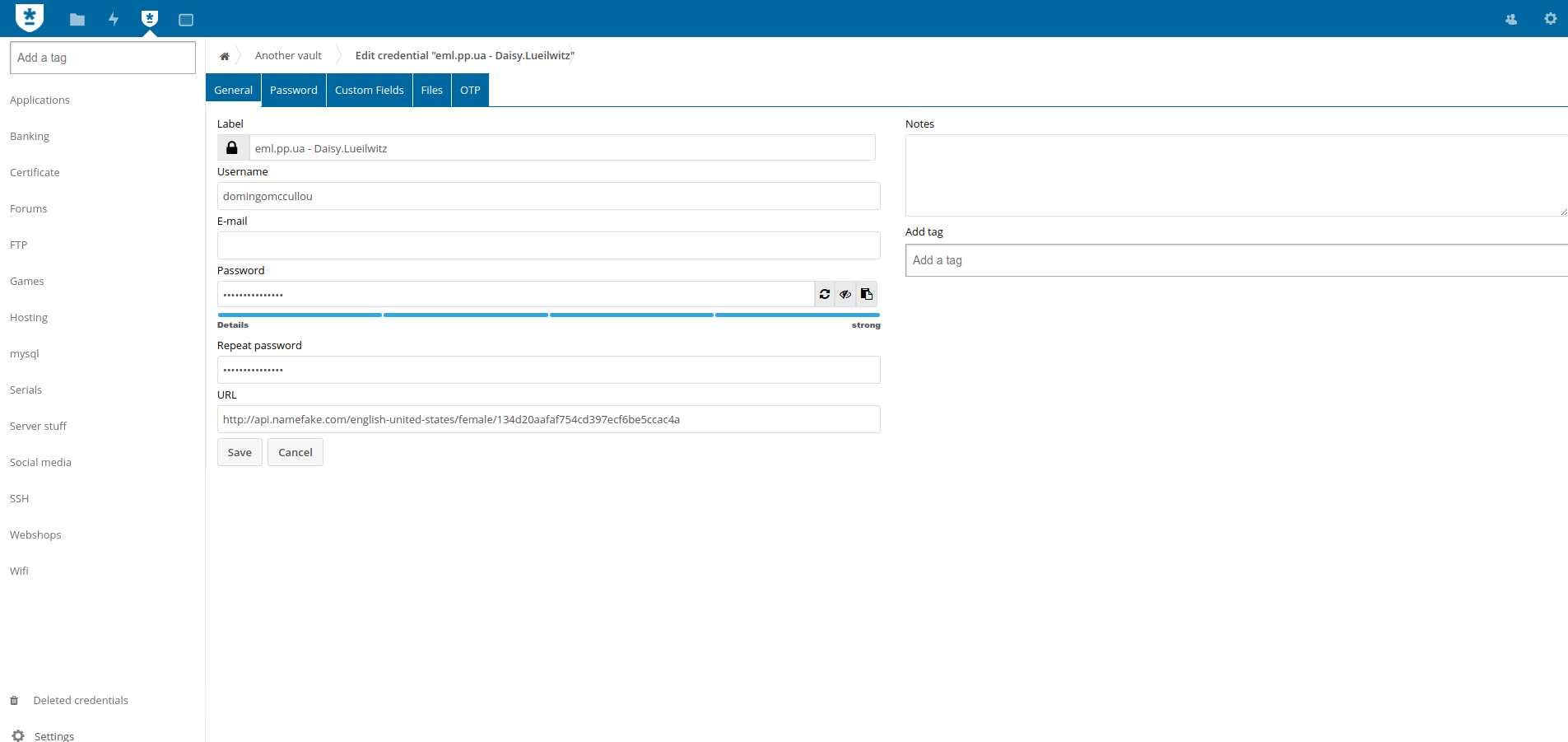

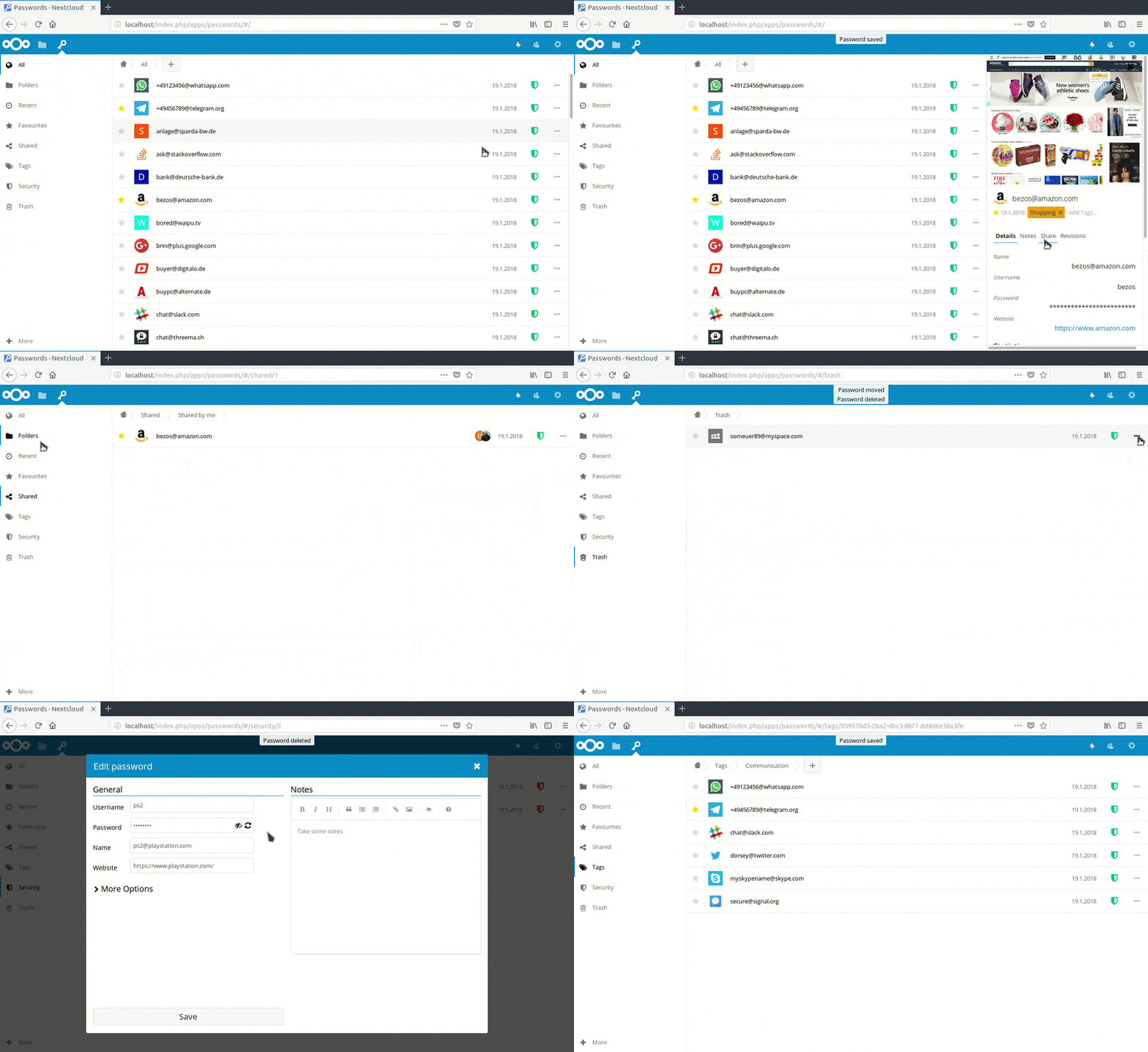
Passwords is also a native Nextcloud app, getting updated regularly and with active chat and forums. Its feature list is a bit shorter than Passman and includes:
There is a well maintained Android app, iOS integration is sadly still missing. The app is currently a bit more basic than the others, not offering groups and folders for example. But this is on the roadmap! The app is not in the Nextcloud repo, though, and mostly relies on a single developer with a total of 6 contributors, plus one (different) person doing the Android app. The app has: