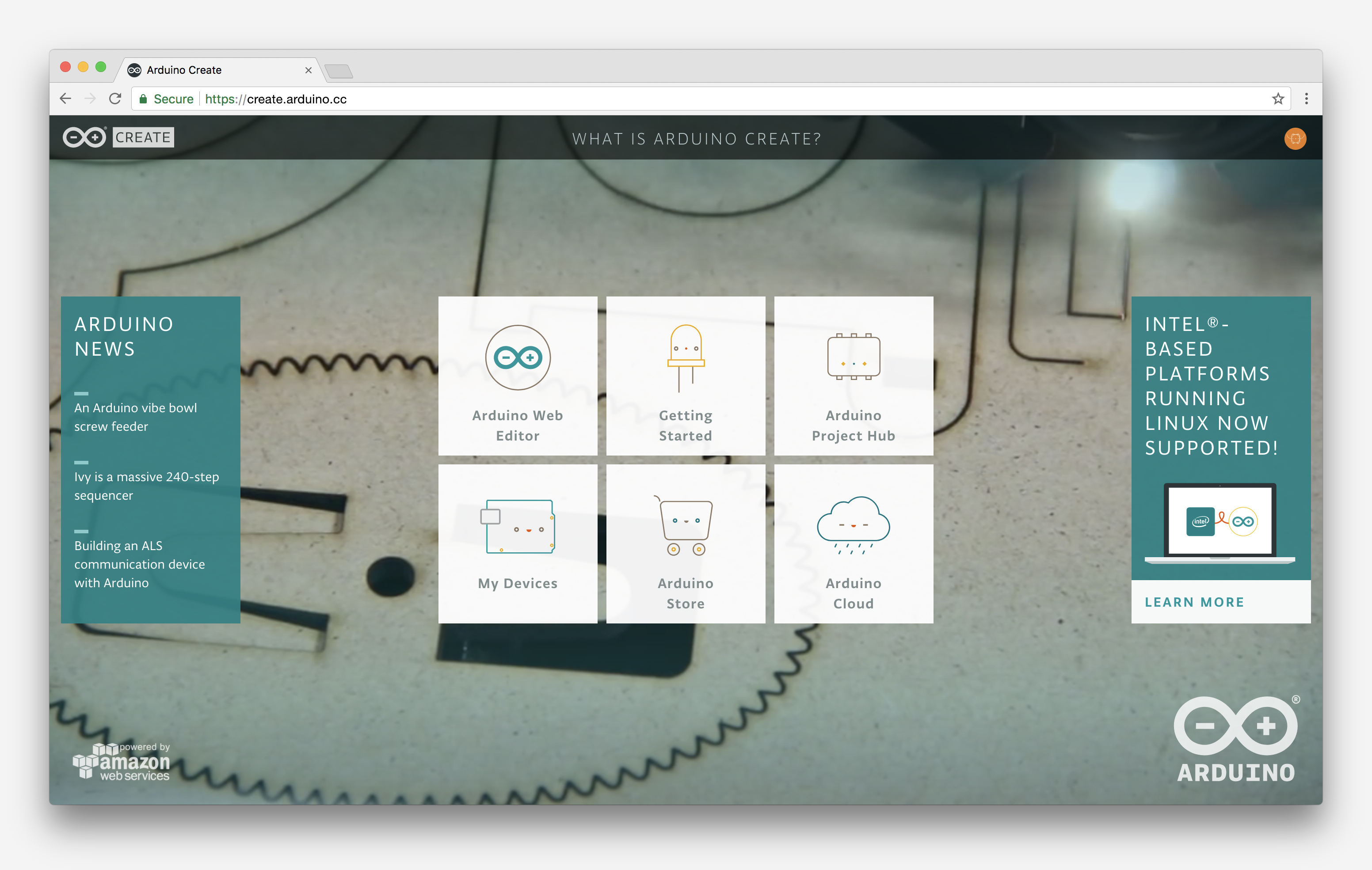
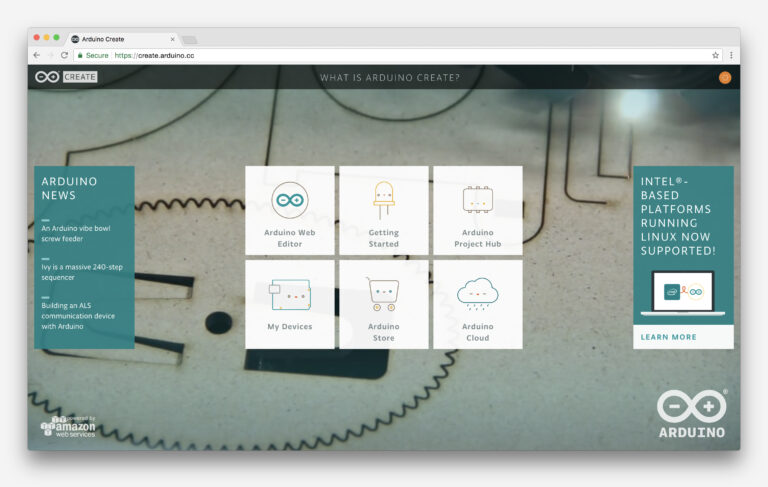
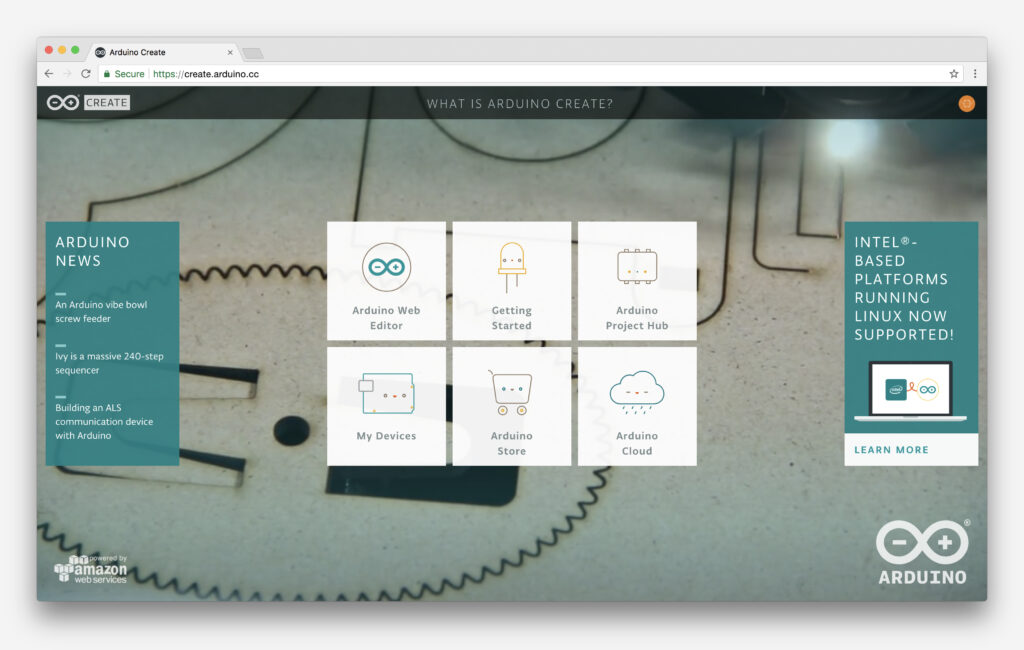
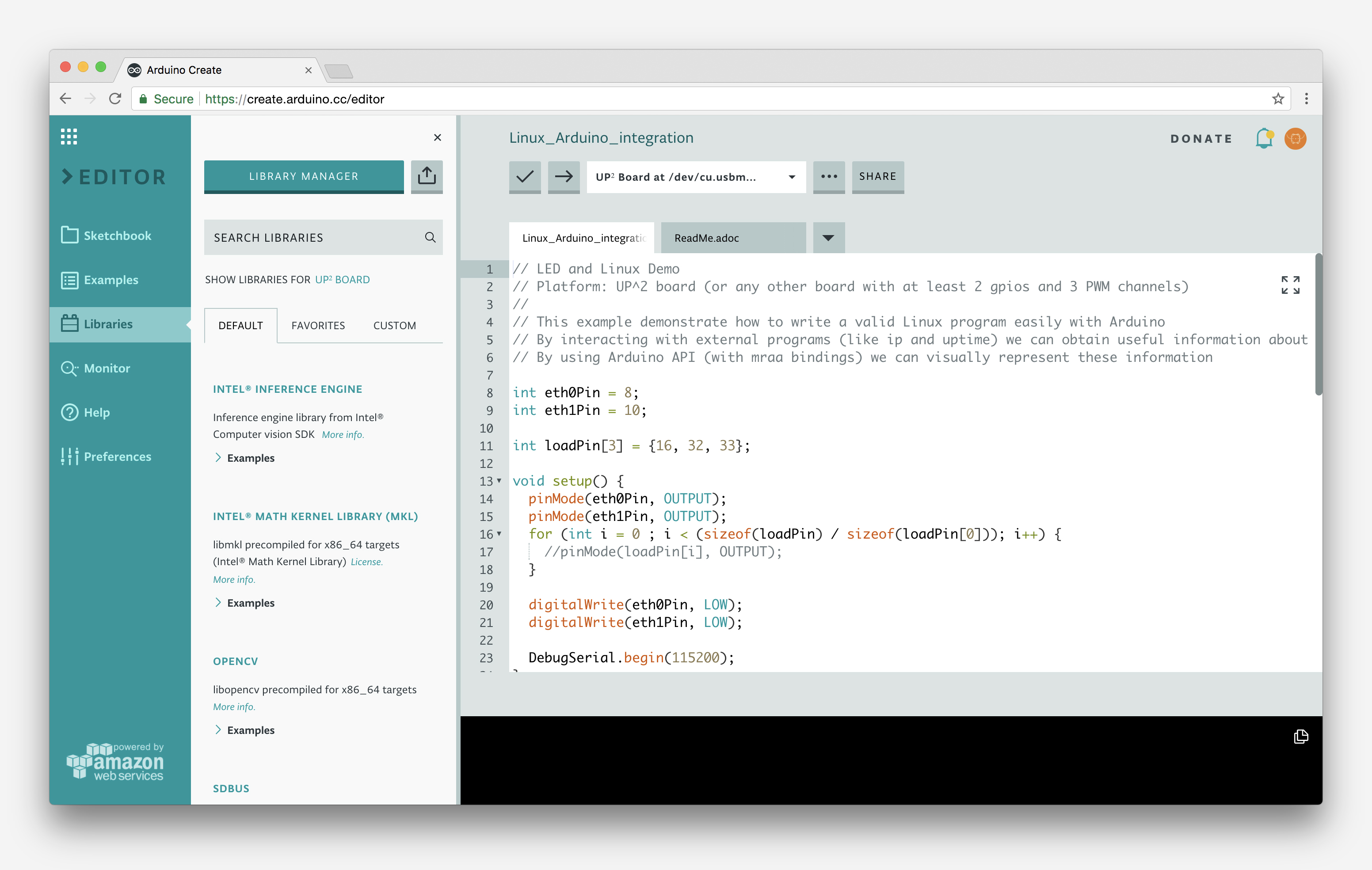
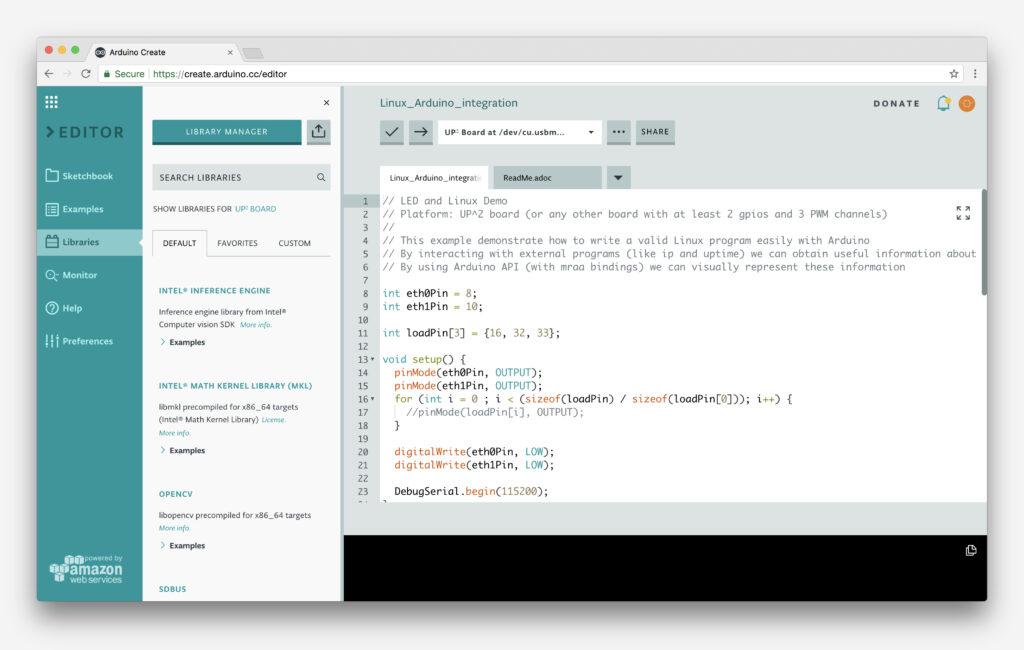
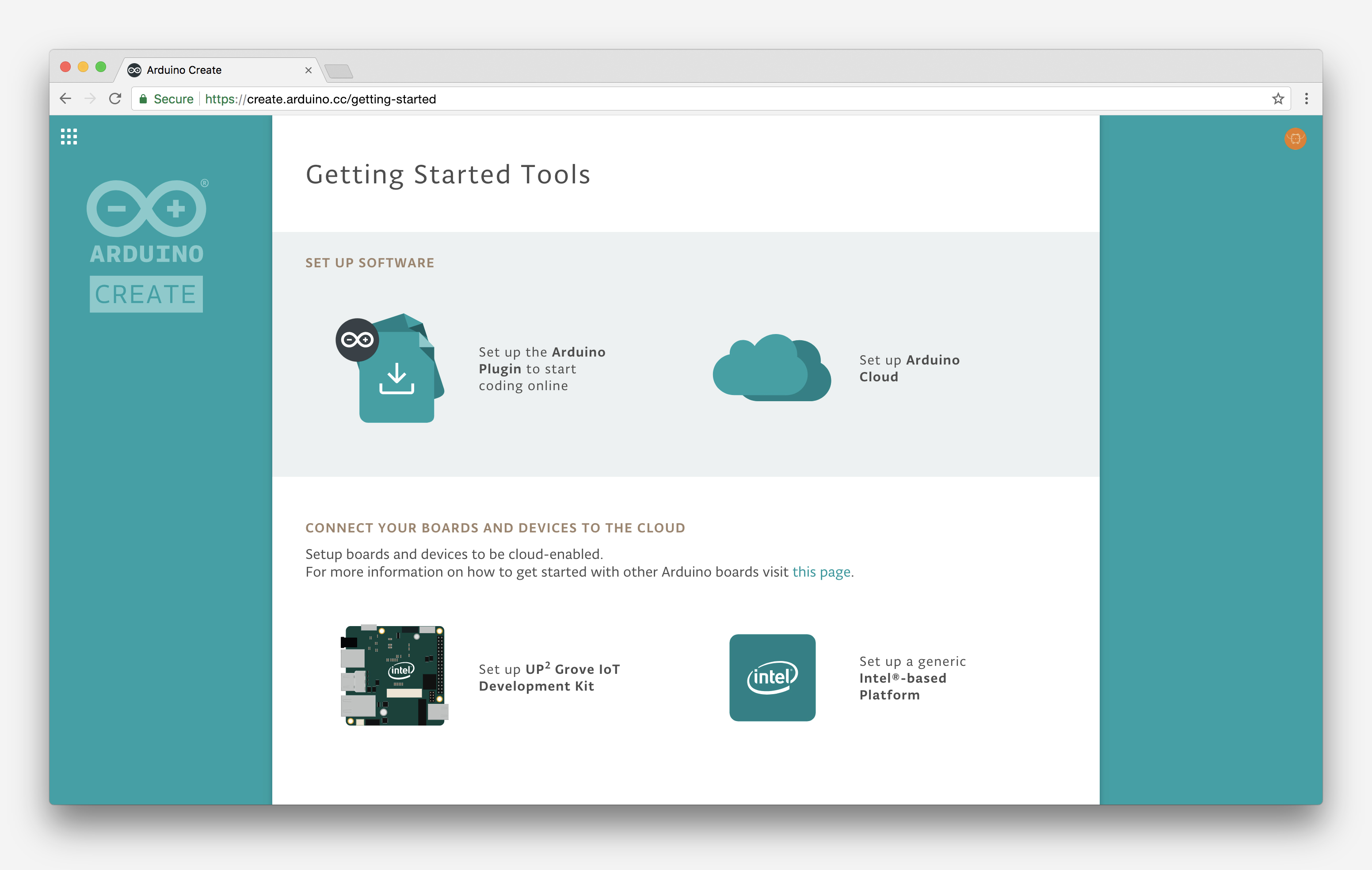
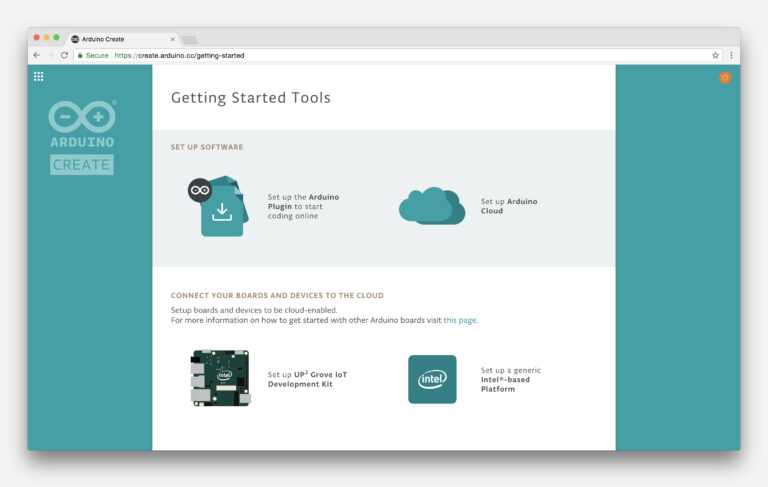
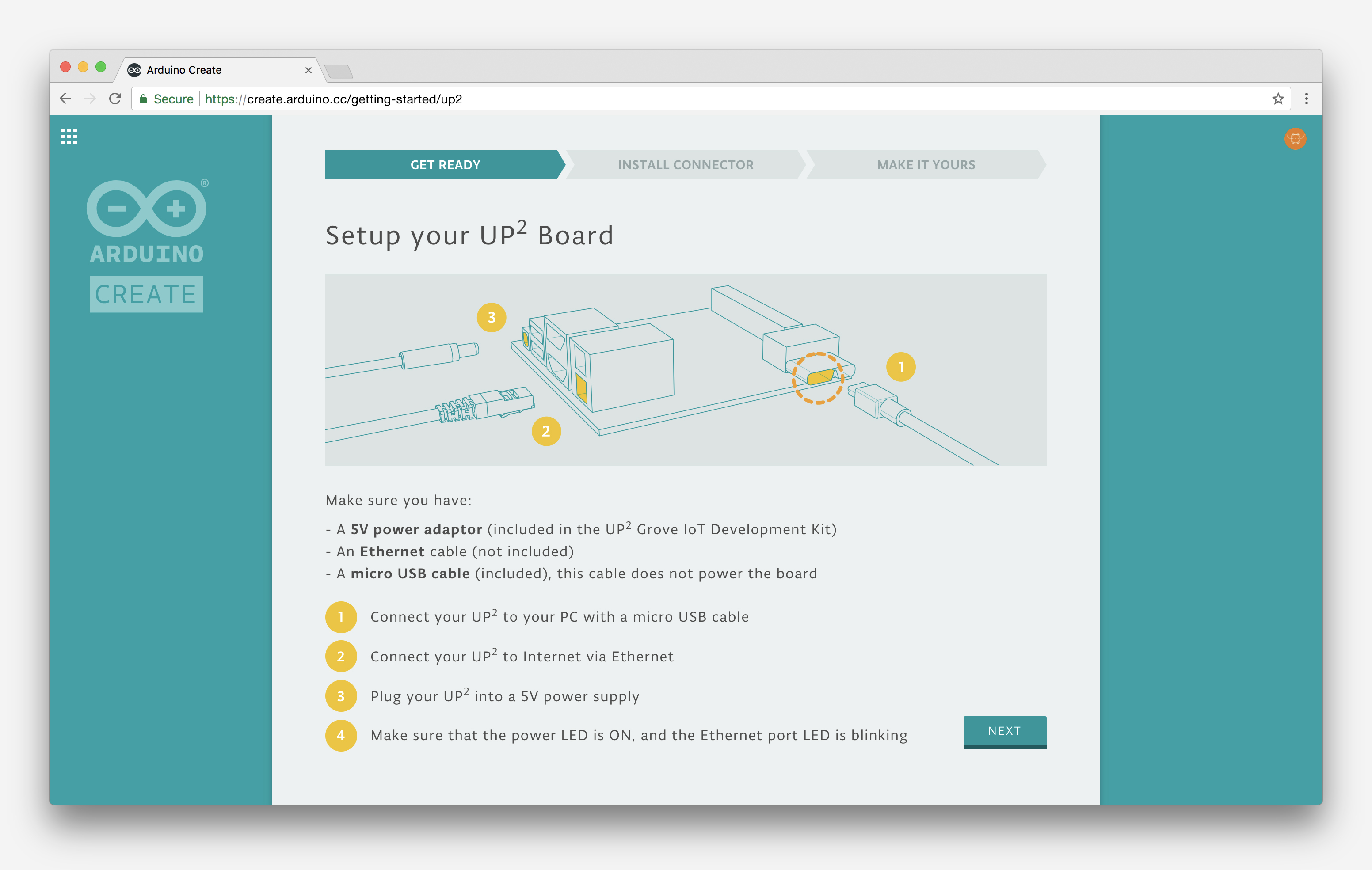
<html> <p><img class=„alignnone wp-image-17474“ src=„https://blog.arduino.cc/wp-content/uploads/2017/11/CREATE-INTEL1.jpg“ alt=„“ width=„857“ height=„544“ srcset=„https://blog.arduino.cc/wp-content/uploads/2017/11/CREATE-INTEL1.jpg 3104w, https://blog.arduino.cc/wp-content/uploads/2017/11/CREATE-INTEL1-300x190.jpg 300w, https://blog.arduino.cc/wp-content/uploads/2017/11/CREATE-INTEL1-768x487.jpg 768w, https://blog.arduino.cc/wp-content/uploads/2017/11/CREATE-INTEL1-1024x650.jpg 1024w“ sizes=„(max-width: 857px) 100vw, 857px“/></p> <p>We’re excited to announce a new update to the <a href=„http://create.arduino.cc“>Arduino Create</a> web platform, which will enable fast and easy development and deployment of IoT applications with integrated cloud services on Linux-based devices.</p> <p>What this means is that users will be able to program their Linux boards as if they were regular Arduinos. Multiple Arduino programs can run simultaneously on a Linux board and programs can communicate with each other leveraging the capabilities of the new open source Arduino Connector.  </p> <p><img class=„alignnone wp-image-17476“ src=„https://blog.arduino.cc/wp-content/uploads/2017/11/CREATE-INTEL2.jpg“ alt=„“ width=„881“ height=„559“ srcset=„https://blog.arduino.cc/wp-content/uploads/2017/11/CREATE-INTEL2.jpg 3104w, https://blog.arduino.cc/wp-content/uploads/2017/11/CREATE-INTEL2-300x190.jpg 300w, https://blog.arduino.cc/wp-content/uploads/2017/11/CREATE-INTEL2-768x487.jpg 768w, https://blog.arduino.cc/wp-content/uploads/2017/11/CREATE-INTEL2-1024x650.jpg 1024w“ sizes=„(max-width: 881px) 100vw, 881px“/></p> <p>Arduino Create Cloud now allows users to manage individual IoT devices, and configure them remotely and independently from where they are located. To further simplify the user journey, we’ve also developed a novel “out of the box” experience that will let anyone set up a new device from scratch via the cloud without any previous knowledge by following an intuitive web-based wizard</p> <p>The initial release has been sponsored by Intel® and supports X86/X86_64 boards. As a reference implementation, a simplified user experience has been designed for the AAEON<i>® </i>UP² board, although other platforms are already supported by the Arduino Create Cloud platform, such as the Intel® NUC, Dell Wyse®, Gigabyte™ GB-BXT.</p> <p><img class=„alignnone wp-image-17479“ src=„https://blog.arduino.cc/wp-content/uploads/2017/11/CREATE-INTEL3.jpg“ alt=„“ width=„889“ height=„564“ srcset=„https://blog.arduino.cc/wp-content/uploads/2017/11/CREATE-INTEL3.jpg 3104w, https://blog.arduino.cc/wp-content/uploads/2017/11/CREATE-INTEL3-300x190.jpg 300w, https://blog.arduino.cc/wp-content/uploads/2017/11/CREATE-INTEL3-768x487.jpg 768w, https://blog.arduino.cc/wp-content/uploads/2017/11/CREATE-INTEL3-1024x650.jpg 1024w“ sizes=„(max-width: 889px) 100vw, 889px“/></p> <p>In the coming months, we plan to expand support for Linux<i>–</i>based IoT devices running on other hardware architectures. Until then, you can find more information <a href=„https://software.intel.com/en-us/articles/announcing-arduino-create-support-for-intel-based-platforms-and-the-up-squared-grove-iot“>here</a> and follow the tutorials below to help get you going:</p> <ul><li><a href=„https://create.arduino.cc/projecthub/Arduino_Genuino/getting-started-with-intel-based-platforms-on-arduino-create-dcf1bc?ref=platform&ref_id=424_recent___&offset=5“>Getting Started with Intel-Based Platforms on Arduino Create</a></li> <li><a href=„https://create.arduino.cc/projecthub/Arduino_Genuino/interacting-with-a-ti-sensortag-from-an-intel-nuc-e88ba5?ref=platform&ref_id=424_recent___&offset=3“>Interacting with a TI SensorTag from an Intel NUC</a></li> <li><a href=„https://create.arduino.cc/projecthub/Arduino_Genuino/intel-math-kernel-library-on-arduino-1d0be4?ref=platform&ref_id=424_recent___&offset=4“>Intel Math Kernel Library on Arduino</a></li> <li><a href=„https://create.arduino.cc/projecthub/Arduino_Genuino/arduino-linux-on-up2-board-with-intel-mraa-a30f87?ref=platform&ref_id=424_recent___&offset=6“>Arduino ? Linux (on UP2 Board) with Intel Mraa</a></li> </ul><p><img class=„alignnone wp-image-17477“ src=„https://blog.arduino.cc/wp-content/uploads/2017/11/CREATE-INTEL4.jpg“ alt=„“ width=„887“ height=„563“ srcset=„https://blog.arduino.cc/wp-content/uploads/2017/11/CREATE-INTEL4.jpg 3104w, https://blog.arduino.cc/wp-content/uploads/2017/11/CREATE-INTEL4-300x190.jpg 300w, https://blog.arduino.cc/wp-content/uploads/2017/11/CREATE-INTEL4-768x487.jpg 768w, https://blog.arduino.cc/wp-content/uploads/2017/11/CREATE-INTEL4-1024x650.jpg 1024w“ sizes=„(max-width: 887px) 100vw, 887px“/></p>
<!-- AddThis Button Style BEGIN -->
<!– AddThis Button Style END –> <!– AddThis Button BEGIN –> <div class=„addthis_toolbox addthis_default_style“>
<!-- FACEBOOK -->
<div class="social-container">
  <img src="https://blog.arduino.cc/wp-content/themes/arduinoWide/images/facebook.png"/><div class="social-content">
    <a class="addthis_button_facebook_like" fb:like:layout="button_count"/>
  </div>
</div>
<!-- TWITTER -->
<div class="social-container">
  <img src="https://blog.arduino.cc/wp-content/themes/arduinoWide/images/twitter.png"/><div class="social-content">
    <a class="addthis_button_tweet"/>
  </div>
</div>
<!-- PINTEREST -->
<div class="social-container">
  <img src="https://blog.arduino.cc/wp-content/themes/arduinoWide/images/pinterest.png"/><div class="social-content">
    <a class="addthis_button_pinterest_pinit" pi:pinit:url="http://www.addthis.com/features/pinterest" pi:pinit:media="http://www.addthis.com/cms-content/images/features/pinterest-lg.png"/>
  </div>
</div>
<!-- G+ -->
<div class="social-container">
  <img src="https://blog.arduino.cc/wp-content/themes/arduinoWide/images/gplus.png"/><div class="social-content">
    <a class="addthis_button_google_plusone" g:plusone:size="medium"/>
  </div>
</div>
</div> <!– AddThis Button END –>
                              <p class="postmetadata alt">
                                      <small>
                                              This entry was posted
                                                                                              by Arduino Team                                                on Friday, November 3rd, 2017 <!--at 4:33 PM-->
                                              and is filed under <a href="https://blog.arduino.cc/category/arduino/" rel="category tag">Arduino</a>, <a href="https://blog.arduino.cc/category/arduino/create/" rel="category tag">Create</a>, <a href="https://blog.arduino.cc/category/featured/" rel="category tag">Featured</a>, <a href="https://blog.arduino.cc/category/ide/" rel="category tag">IDE</a>.
                                              You can follow any responses to this entry through the <a href="https://blog.arduino.cc/2017/11/03/linux-support-comes-to-arduino-create/feed/">RSS 2.0</a> feed.
                                                                                                      You can <a href="https://blog.arduino.cc/2017/11/03/linux-support-comes-to-arduino-create/#respond">leave a response</a>, or <a href="https://blog.arduino.cc/2017/11/03/linux-support-comes-to-arduino-create/trackback/" rel="trackback">trackback</a> from your own site.

                                      </small>
                              </p>
</html>