Make use of your Banana PI IR receiver with python!
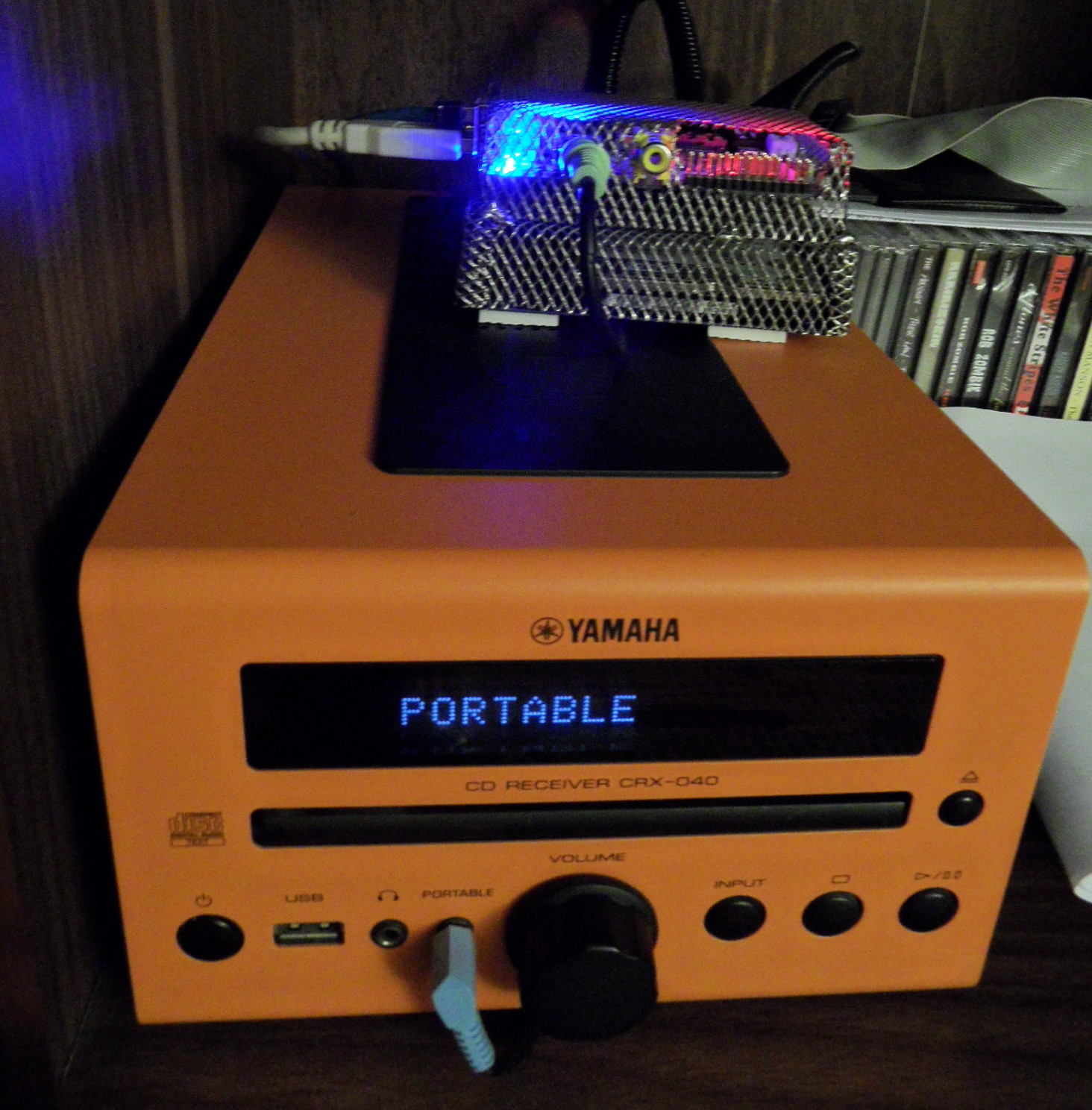
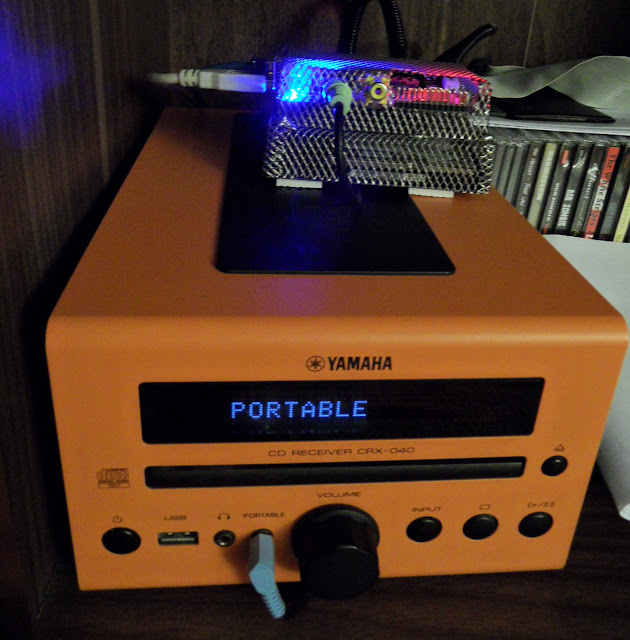
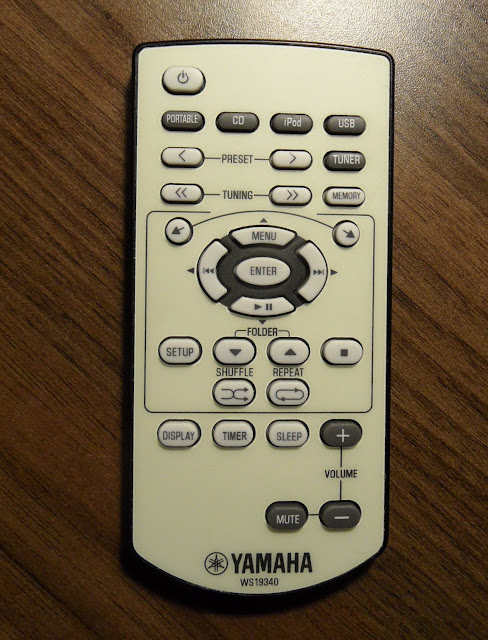
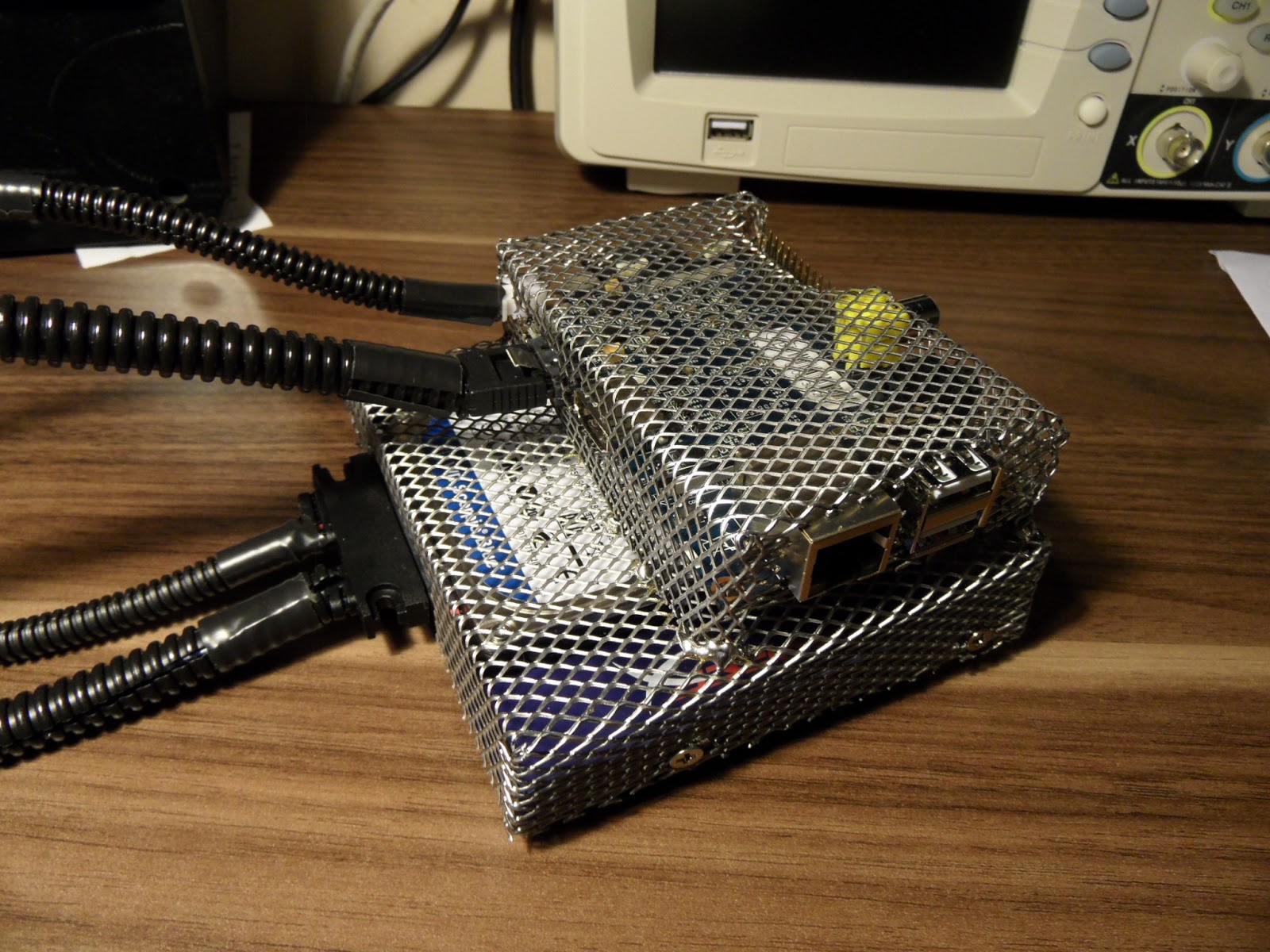
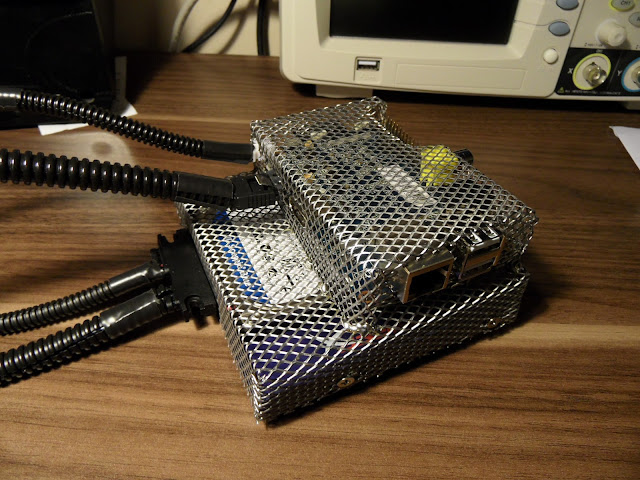
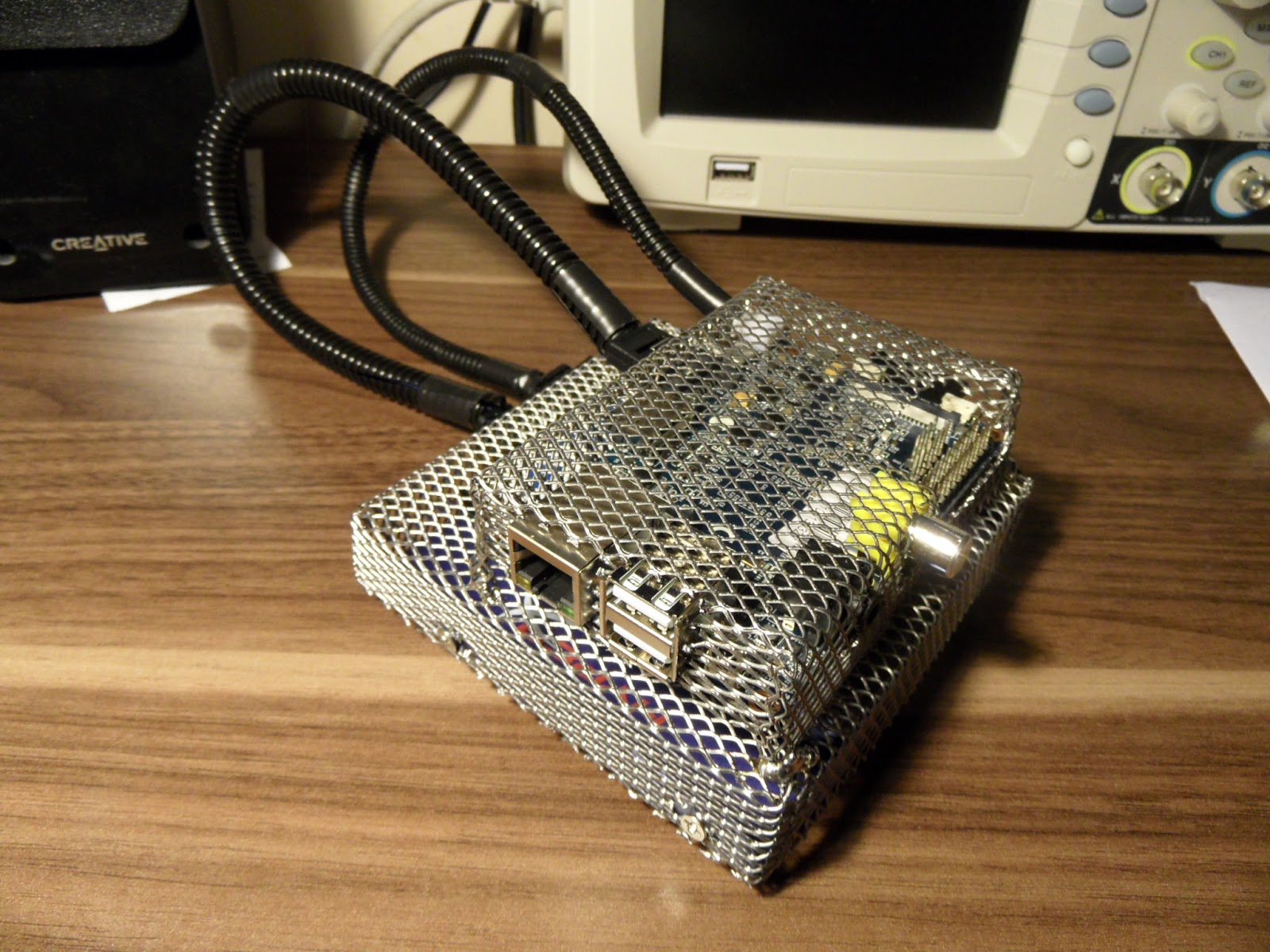
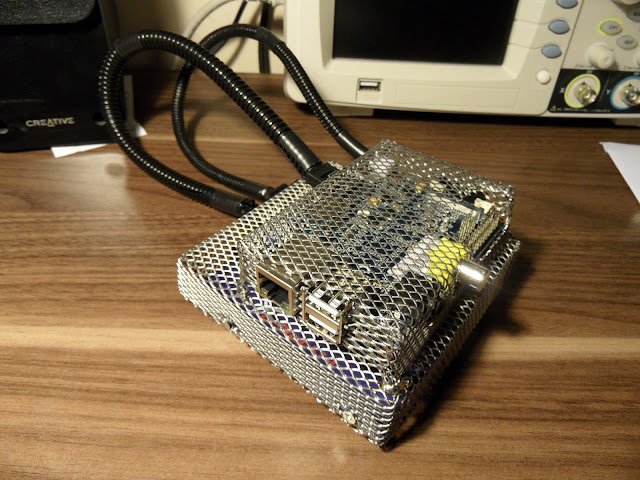
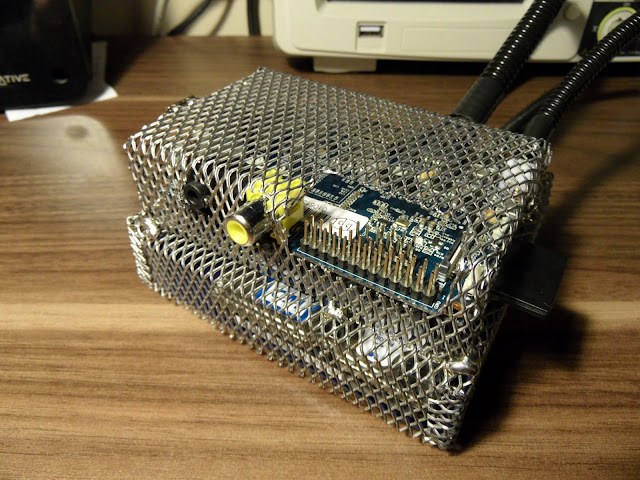
<html> <h2> The goal</h2> Control MPD running on Banana Pi with IR remote form your stereo set.<p/><h2> Usability</h2> Improve your lazyness ;)<p/><h2> Parts</h2> <ul><li>Banana Pi</li> <li>IR remote (any ?)</li> </ul><br/><h2> Code</h2> <ul><li><div class=„post-title entry-title“ itemprop=„name“> <a href=„http://morethanuser.blogspot.com/2015/10/python-banana-pi-ir-event-handler.html“>Python Banana Pi IR event handler</a></div> <div class=„post-header“> </div> </li> </ul><h2> </h2> <h2> Hardware</h2> <ul><li>Banana Pi</li> </ul><br/><h2> Description</h2> <br/> Recently I was wondering if there is some better way to control internet radio running on MPD, than Android phone with MPC client. So I've remembered that my Banana Pi has an IR receiver, nice! There was a easy answer - write a C program that will … but wait Is it there a simpler solution for this?<p>In the past I've not used languages other than C/C++, but during my work in several companies I've learned Perl, now I'm starting to learn Python so I thought that is a good way to do this. Two hits in a row - slightly improve python skills and make something useful.</p><p>Since IR receiver can be accessed via evdev it was a matter of minutes to write a python script that was actually work :)</p><p>Ok, lets get back to my setup. I've got Yamaha CRC-040 which has a line input marked as PORTABLE. In this mode music is played from front line in jack input.</p><p/><table align=„center“ cellpadding=„0“ cellspacing=„0“ class=„tr-caption-container“ style=„margin-left: auto; margin-right: auto; text-align: center;“><tbody><tr><td style=„text-align: center;“><a href=„http://4.bp.blogspot.com/-s_OO4Gvujn0/ViLVSAsS42I/AAAAAAAAAb4/C8HfZJZdeRw/s1600/SAM_4333.JPG“ imageanchor=„1“ style=„margin-left: auto; margin-right: auto;“><img border=„0“ height=„640“ src=„http://4.bp.blogspot.com/-s_OO4Gvujn0/ViLVSAsS42I/AAAAAAAAAb4/C8HfZJZdeRw/s640/SAM_4333.JPG“ width=„628“/></a></td></tr><tr><td class=„tr-caption“ style=„text-align: center;“>My Yamaha CRX-040 with Banana Pi on it</td></tr></tbody></table><p>My remote looks like this:</p><p/><table align=„center“ cellpadding=„0“ cellspacing=„0“ class=„tr-caption-container“ style=„margin-left: auto; margin-right: auto; text-align: center;“><tbody><tr><td style=„text-align: center;“><a href=„http://1.bp.blogspot.com/-EoTT2qEGZP8/ViLVIOV6T1I/AAAAAAAAAbw/PQDwAN3B_sw/s1600/SAM_4337.JPG“ imageanchor=„1“ style=„margin-left: auto; margin-right: auto;“><img border=„0“ height=„640“ src=„http://1.bp.blogspot.com/-EoTT2qEGZP8/ViLVIOV6T1I/AAAAAAAAAbw/PQDwAN3B_sw/s640/SAM_4337.JPG“ width=„488“/></a></td></tr><tr><td class=„tr-caption“ style=„text-align: center;“>Yamaha CRX-040 remote</td></tr></tbody></table><br/> PORTABLE mode disables the CD buttons, like PLAY, PREV, NEXT, STOP etc. so I could use them to control internet radio running on Banana Pi. <p>Banana Pi is in a metal net to prevent my cat to eat it :D Since there is a SATA port, you can see 2.5 sata drive too.</p><p/><div class=„separator“ style=„clear: both; text-align: center;“> <a href=„http://2.bp.blogspot.com/-QT1Er9-yOqo/ViLVcDQp8YI/AAAAAAAAAcA/zwEAecF088U/s1600/SAM_4055.JPG“ imageanchor=„1“ style=„margin-left: 1em; margin-right: 1em;“><img border=„0“ height=„480“ src=„http://2.bp.blogspot.com/-QT1Er9-yOqo/ViLVcDQp8YI/AAAAAAAAAcA/zwEAecF088U/s640/SAM_4055.JPG“ width=„640“/></a></div> <br/><div class=„separator“ style=„clear: both; text-align: center;“> <a href=„http://4.bp.blogspot.com/-IbJ2Iinsn_8/ViLVcpe1ceI/AAAAAAAAAcE/M87UDjiXJzE/s1600/SAM_4056.JPG“ imageanchor=„1“ style=„margin-left: 1em; margin-right: 1em;“><img border=„0“ height=„480“ src=„http://4.bp.blogspot.com/-IbJ2Iinsn_8/ViLVcpe1ceI/AAAAAAAAAcE/M87UDjiXJzE/s640/SAM_4056.JPG“ width=„640“/></a></div> <br/><table align=„center“ cellpadding=„0“ cellspacing=„0“ class=„tr-caption-container“ style=„margin-left: auto; margin-right: auto; text-align: center;“><tbody><tr><td style=„text-align: center;“><a href=„http://1.bp.blogspot.com/-5SPyDFmu0Bs/ViLVcjWE61I/AAAAAAAAAcI/cLzdma38Jpw/s1600/SAM_4057.JPG“ imageanchor=„1“ style=„margin-left: auto; margin-right: auto;“><img border=„0“ height=„480“ src=„http://1.bp.blogspot.com/-5SPyDFmu0Bs/ViLVcjWE61I/AAAAAAAAAcI/cLzdma38Jpw/s640/SAM_4057.JPG“ width=„640“/></a></td></tr><tr><td class=„tr-caption“ style=„text-align: center;“>Banana Pi front view in metal (anti-cat) case</td></tr></tbody></table><br/> Additionally I've bind POWER button (IR remote) to send 'halt' system command so I can power down Banana Pi and my Yamaha at the same time. When I put my stereo in PORTABLE mode, MPC send's info to MPD to start playing.<p>Python code you can find <a href=„http://morethanuser.blogspot.com/2015/10/python-banana-pi-ir-event-handler.html“>here</a>. </p><p>You could run it like a deamon from /etc/rc.local like this: <br/></p><pre class=„brush:bash;“>nohup /usr/bin/ir.py >> /var/log/ir.log& </pre> or for calibrating/debug, from console: <br/><pre class=„brush:bash;“>root@bananapi:~# /usr/bin/ir.py Action for 170 code is not defined Action for 169 code is not defined Action for 28 code is not defined </pre> Now all you have to do is to add codes above to function dictionary, create proper function to handle this code and that's it!<br/><pre class=„brush:python;“>def my_func_1():


print "Hey this is my function 1!"
fun_tbl = {
1   : MPD_stop,
2   : MPD_pause,
3   : MPD_next,
4   : MPD_prev,
15  : SYS_halt,
223 : MPD_play,
170 : my_func_1,
} </pre> Simple, right? <div style=„clear: both;“/> </html>
 Falls nicht anders bezeichnet, ist der Inhalt dieses Wikis unter der folgenden Lizenz veröffentlicht: CC Attribution-Noncommercial-Share Alike 4.0 International